
DxR Clinician
Get inside your students’ heads, with DxR Clinician!
Virtual patient simulation software for teaching and evaluating the clinical reasoning skills of tomorrow’s clinicians.

- DxR Clinician is a collection of proven, professionally authored problem-based learning case studies created from real patient data.
- Clinician cases challenge health profession students to apply knowledge as they reason through a patient problem, from assessment and data collection to hypothesis development, diagnosis and treatment. Clinician tracks each student decision for detailed analysis by the instructor.
- The result: Students gain experience with a variety of patient problems, and faculty gain unparalleled insight into strengths and weaknesses in students’ clinical reasoning skills.
Ideal for use by medical schools, physician assistant programs, and nurse practitioner programs for both summative and formative evaluations!

The Student Experience
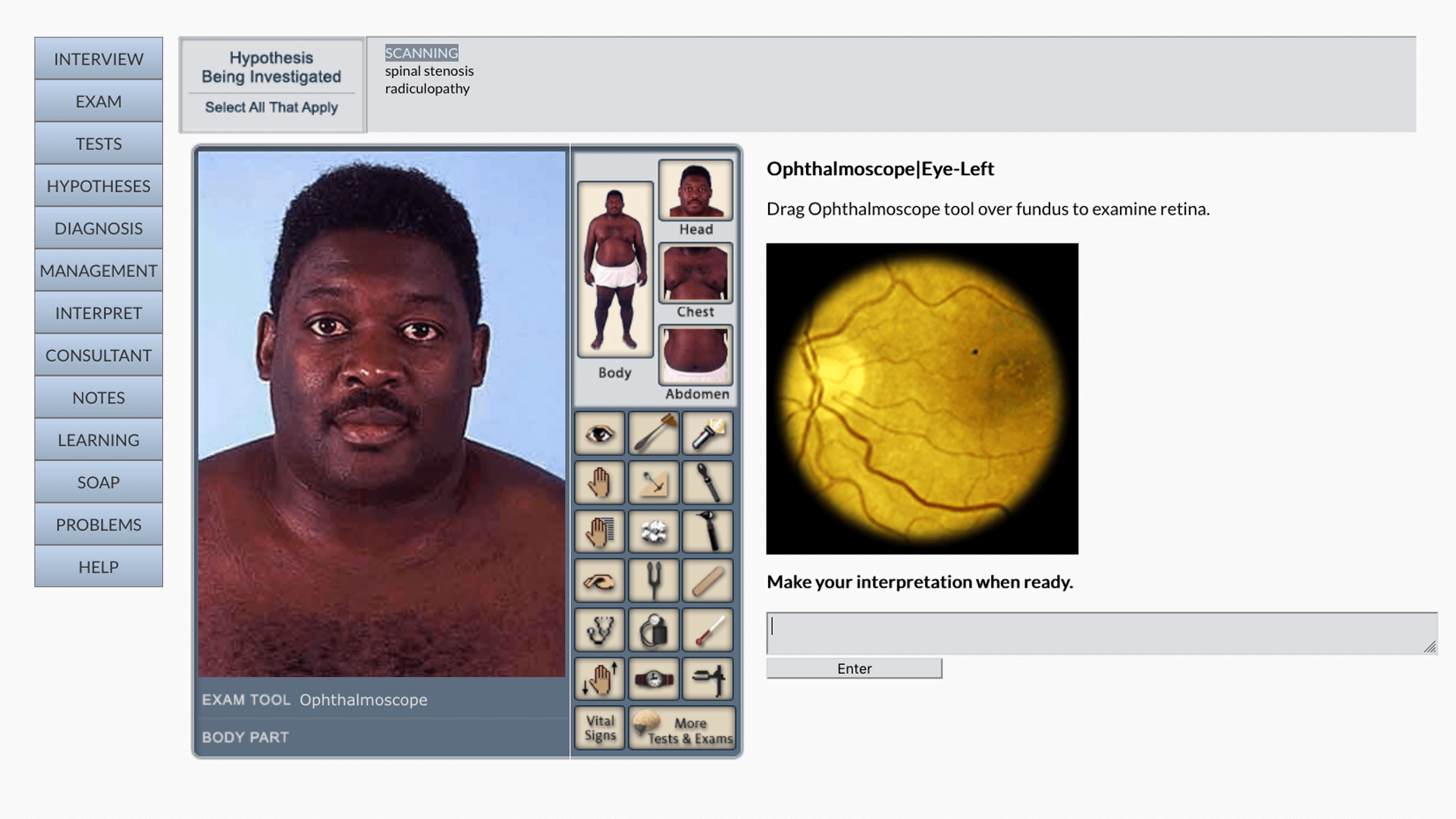
DxR Clinician equips students with an intuitive browser-based interface and tools to practice ‘working up’ patients virtually.
- Practice effective clinician/patient communication skills while collecting a patient history (more than 250 interview questions available).
- Simulate physical exams and interpret findings, including real heart and lung sounds.
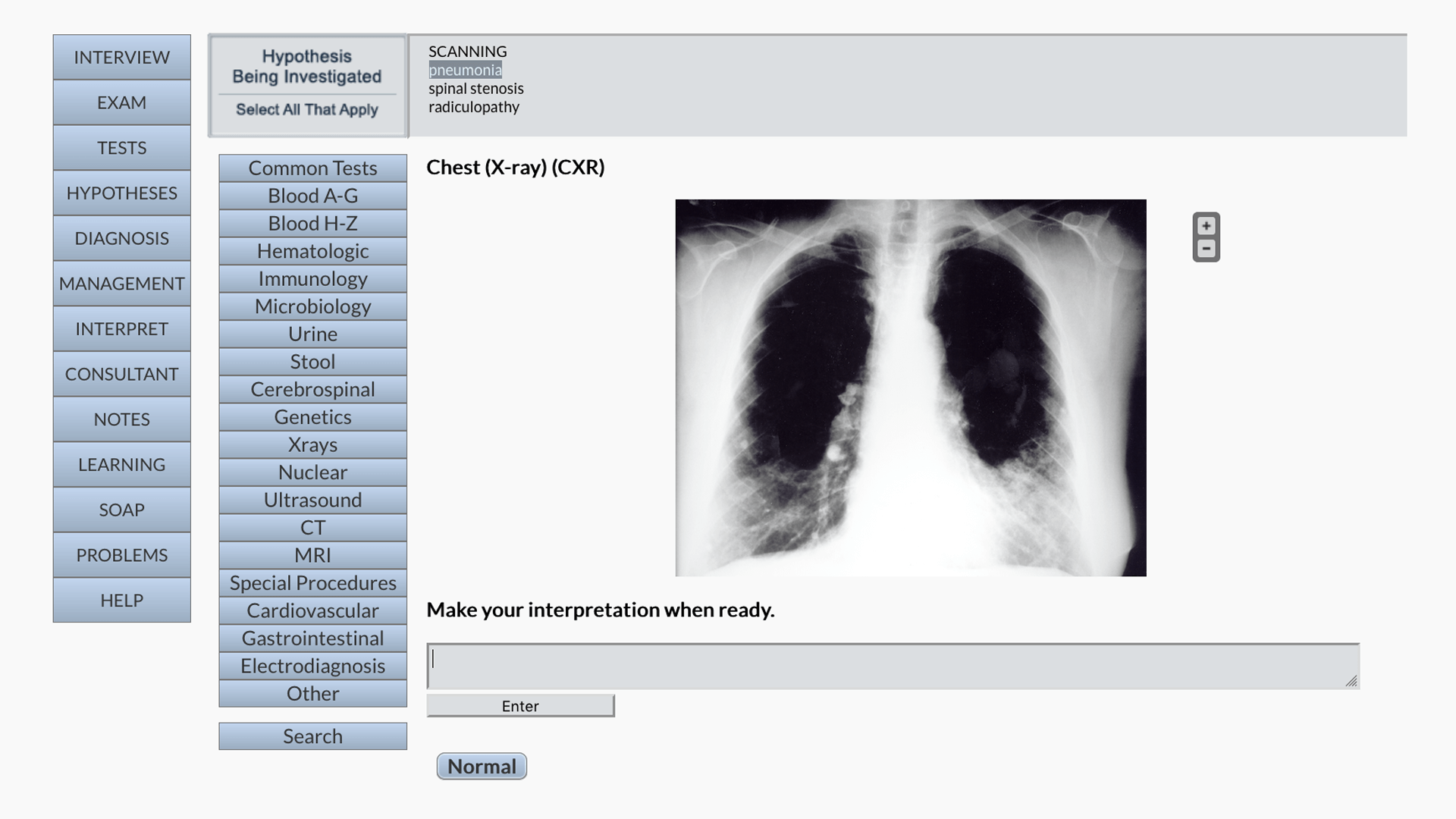
- Order pertinent lab tests from a database of more than 670 diagnostic studies, review findings, interpret imaging studies and videos as needed, and make decisions about their clinical relevance.
- Develop a working hypothesis list and follow the evidence to support your final diagnosis. Coming soon, Clinician cases will incorporate the latest ICD codes!
- Organize key findings and prioritize your problem list, record SOAP notes, and develop a treatment plan.
- Learn from immediate performance feedback at the end of the case.
- Tablet compatible and easily accessible wherever students learn!
With more than 120 cases covering both common problems and presentations that students may not experience in their clinical rotations, DxR Clinician engages students with active, self-directed learning that transfers to directly to clinical practice!

Value for Faculty
DxR Clinician’s integrated, Web-based management and scoring controls put faculty in charge of their assignments.
- Simple set-up: Easily install cases and customize case delivery and access. Do it all online — no downloads required!
- Convenient & Flexible: Use cases directly ‘off the shelf,’ or edit any case content or grading criteria to meet specific instructional goals. Assign cases to individual students or to a group, for a team-based learning experience.
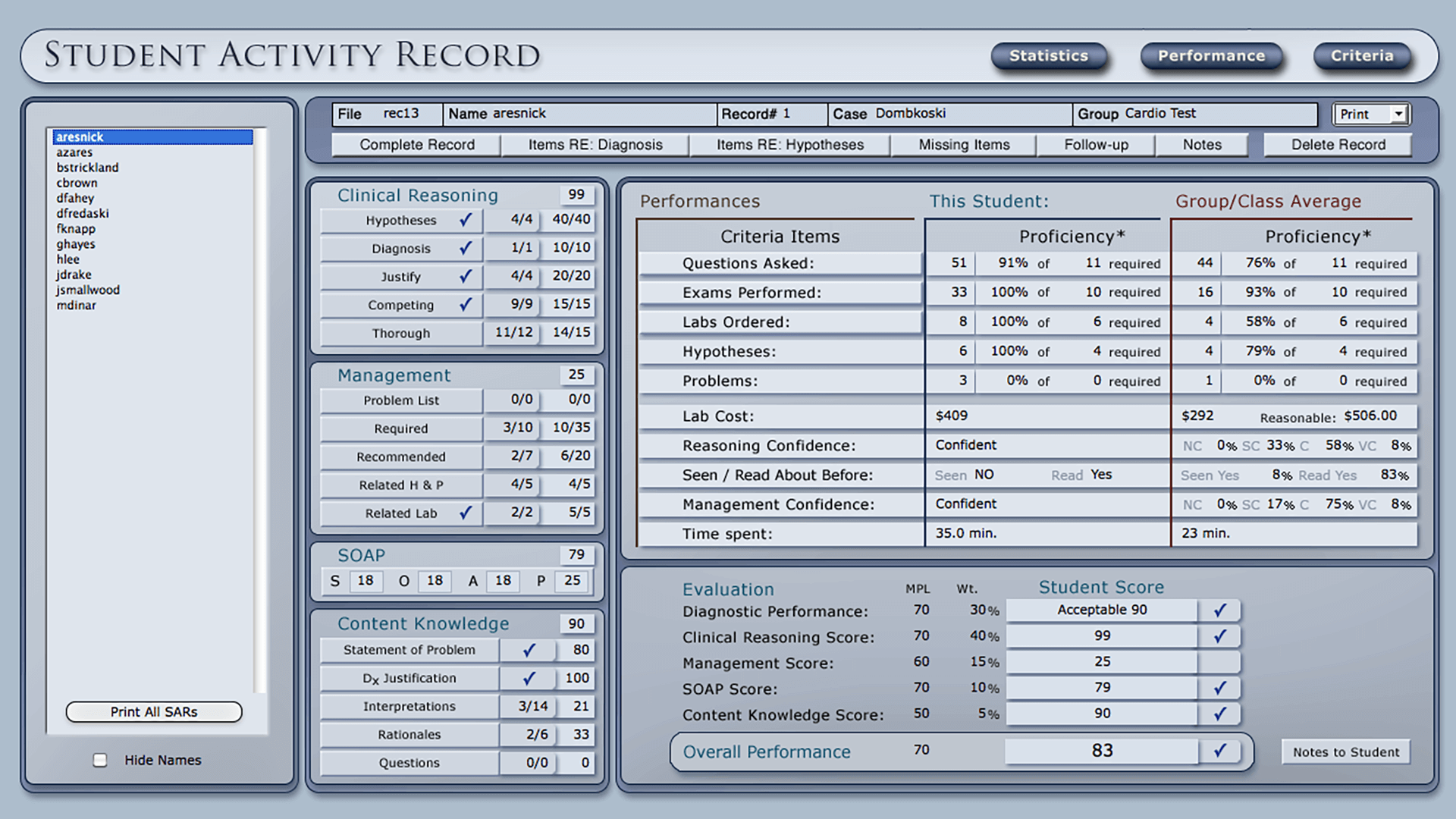
- Insight: Clinician’s evaluation tools give faculty detailed data on learners’ performance, so instructors can tailor feedback to the needs of individuals or an entire group.
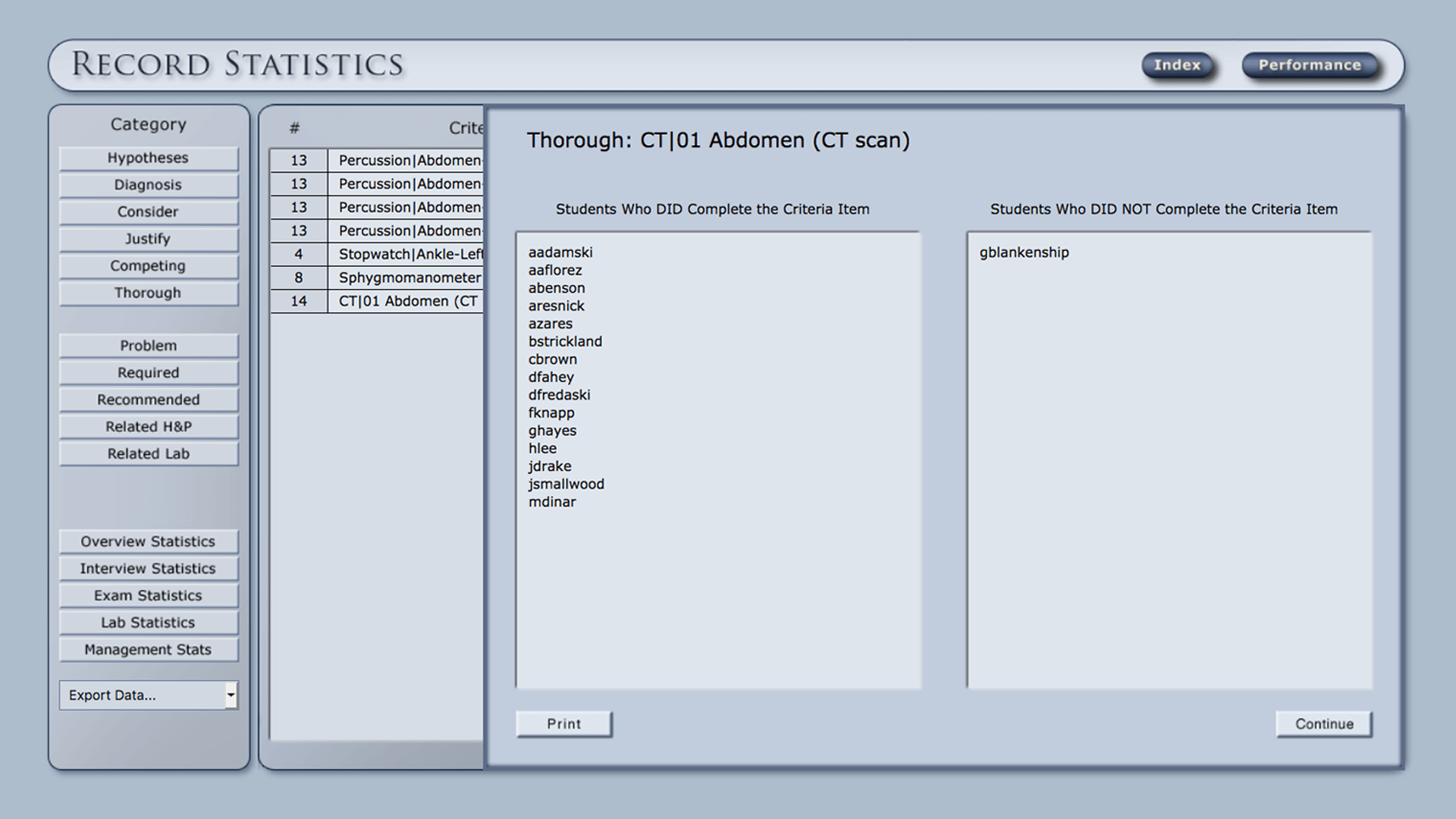
- Powerful reporting & scoring tools: Leverage the DxR Record Utility for objective, quantifiable assessments of clinical reasoning skills. See statistical and graphical evidence of student performance compared to the scoring criteria for the case, adjust the criteria as you see fit, and produce detailed reports on learner performance.
- Case Authoring option: Faculty can use the optional Authoring tool to create original cases and deliver those cases to students.
Full-featured, interactive patient cases — coupled with powerful Web-based scoring tools — offer a complete solution for rich, repeatable clinical problem-solving assignments!

Faculty Testimonials
“DxR Clinician cases allow students to apply what they learn in lecture and to develop their clinical reasoning skills even before they reach the clinical setting. DxR cases are based on real patients with realistically complicated problems, so students quickly learn to appreciate the complexity of patient care.
The free-inquiry method of history taking and the rich diagnostic tests section allow students to practice skills that directly transfer to the clinic. We routinely use DxR Clinician cases with small groups in preparation for the first clinical year. But the cases are also a huge benefit to me an instructor in helping students who are struggling. Tracking a student’s path through the case allows me to probe the student’s critical thinking and identify areas of weakness.”…read more
…read less
– James Van Rhee, MS, PA-C, DFAAP
Program Director | Yale Physician Assistant Online Program
“The IUHS DxR Clinician program helps us to standardize learning concepts and patient encounters to a distributed student body throughout their pre-clinical and clinical education. Connecting critical learning concepts and contextualizing that knowledge using the DxR virtual patient interface provides the student with a much clearer understanding of “why” and “how” you apply what you learn to real patients.
IUHS uses the DxR interface to allow students to complete assigned cases more than once so the process becomes intuitive and documentation skills can be perfected. We believe a clear understanding of process and intuitiveness that follows can only develop with repeated exposure to the patient setting, and DxR allows us to do that in a standardized controlled setting.”…read more
…read less
– Juliana Furay PhD
International University of the Health Sciences
Vice President, Strategic Initiatives
IUHS Board of Directors, Chairman
Student Testimonial
“I recently completed a complex DxR case that challenged me to search supplemental texts and other sources to learn more. Ironically, it wasn’t long before I encountered a patient with a very similar presentation at the hospital. Thanks to my experience with the DxR case, I surprised both the supervising MICU fellow and myself with my knowledge and contribution to the patient’s care. I would have never believed that a simulated case would have helped me so much in real practice!”
– Hinda Krumbein
International University of Health Services Student
Related Arcticles
DxR Meets Educational Need During COVID-19 Campus Closures
When the COVID-19 pandemic forced closure of college campuses across...
Read More